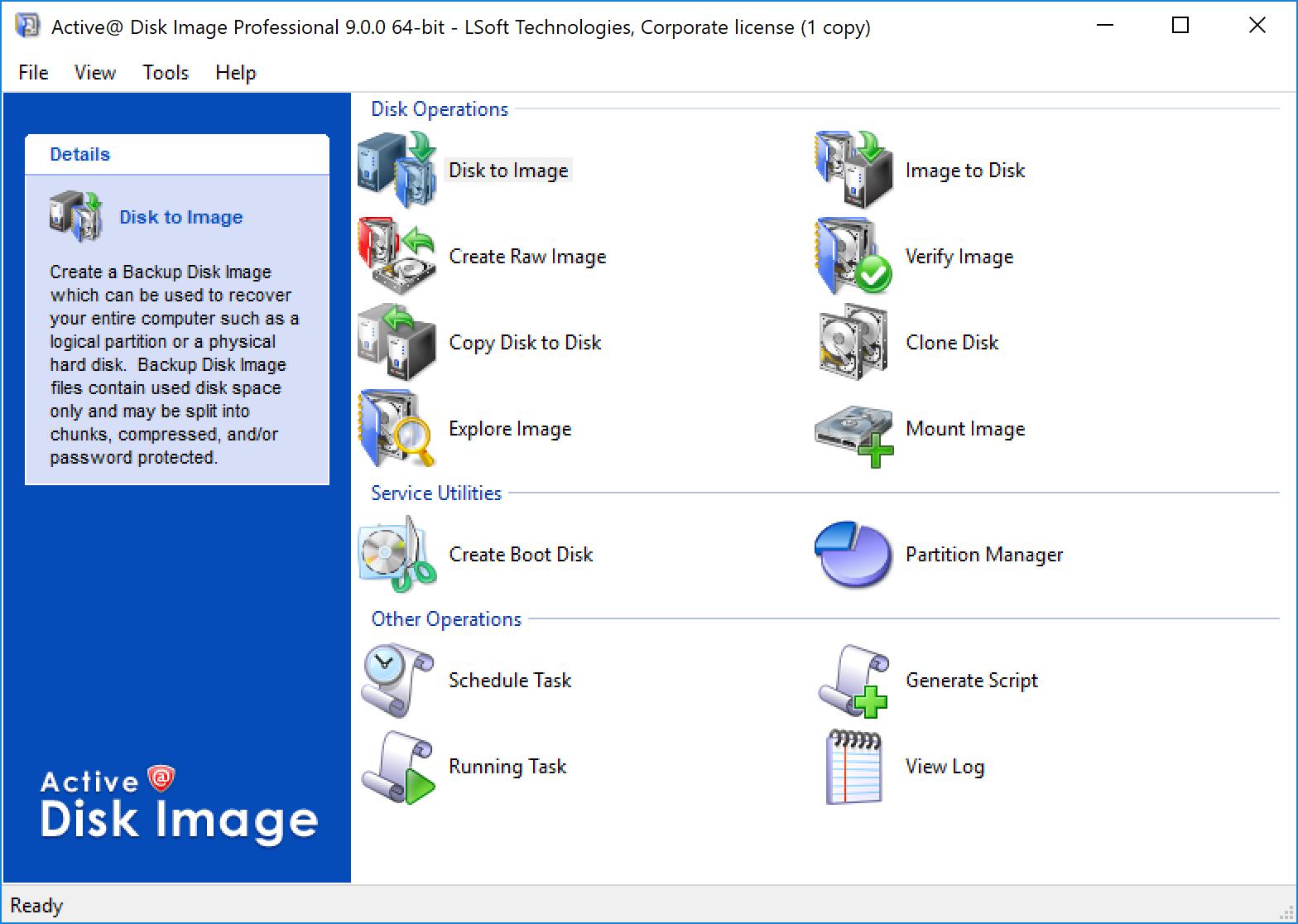
The main screen provides icons to wizards to start various imaging processes including image creation, restore, disk cloning, viewing logs and scheduling tasks.
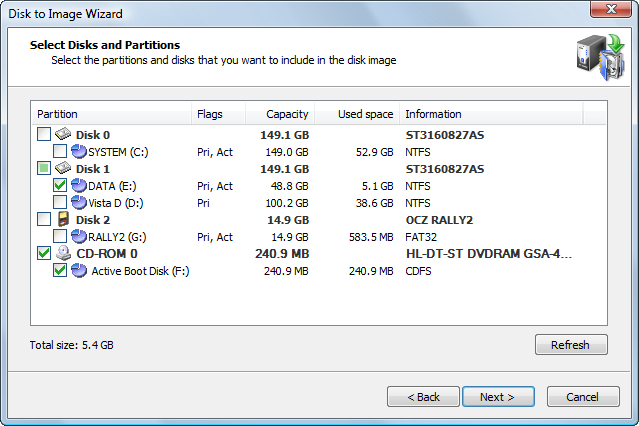
A list of disks and partitions to be included in an image is displayed in this dialog of the Disk to Image Wizard.
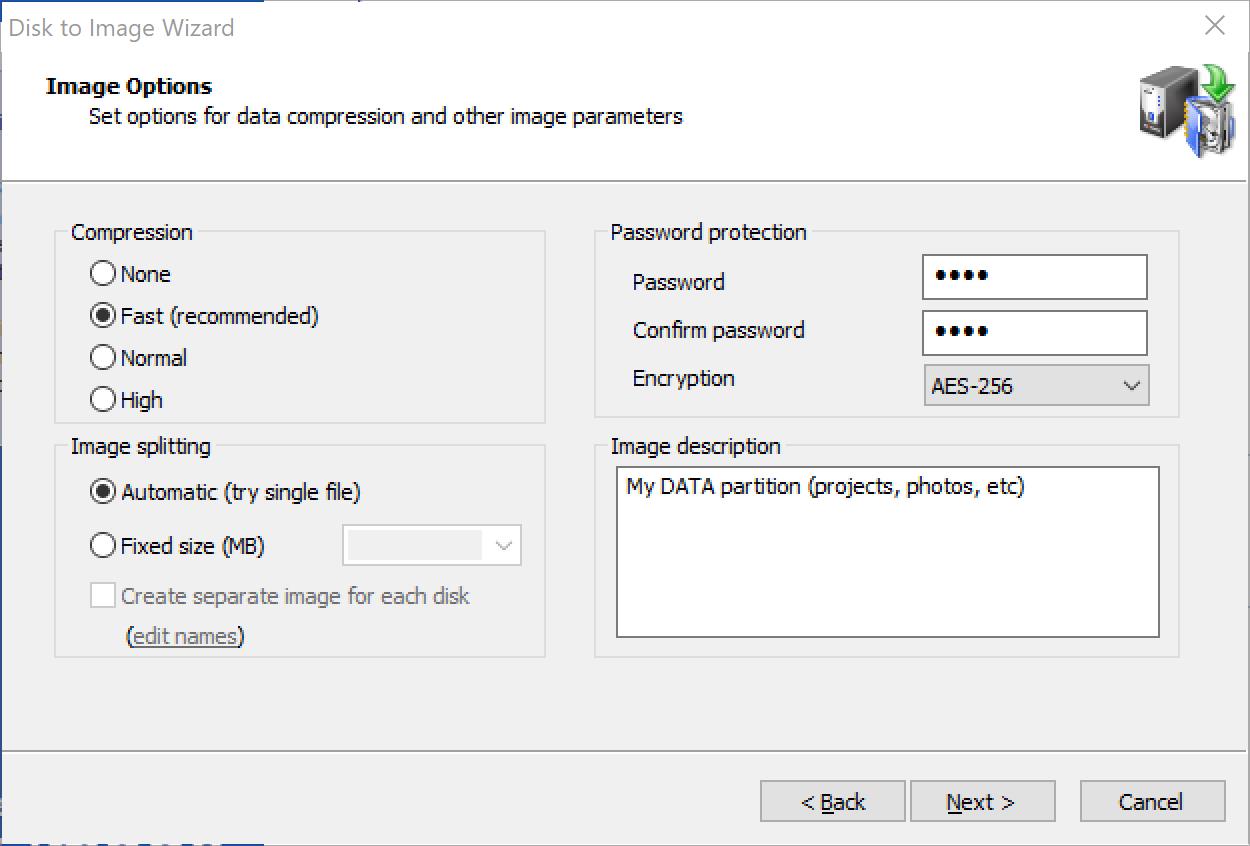
Options such as, different levels of compression, file splitting, password protection and a backup description, are part of the Disk to Image Wizard.
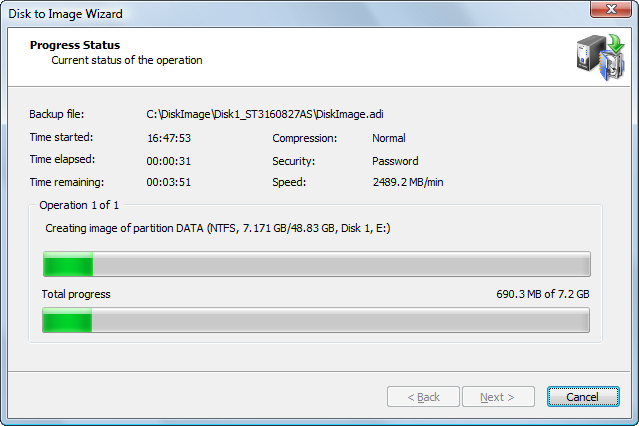
A progress dialog displays the current status of an image while it is being created.
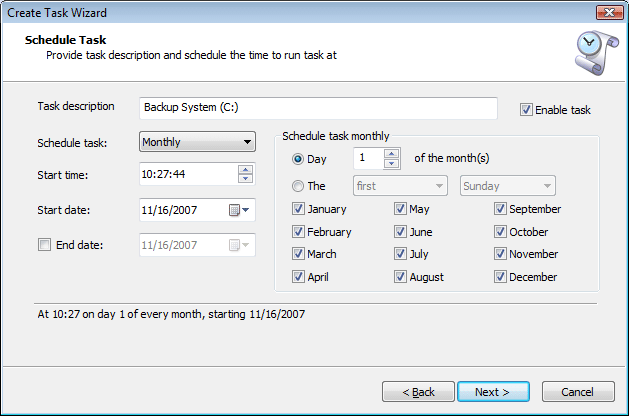
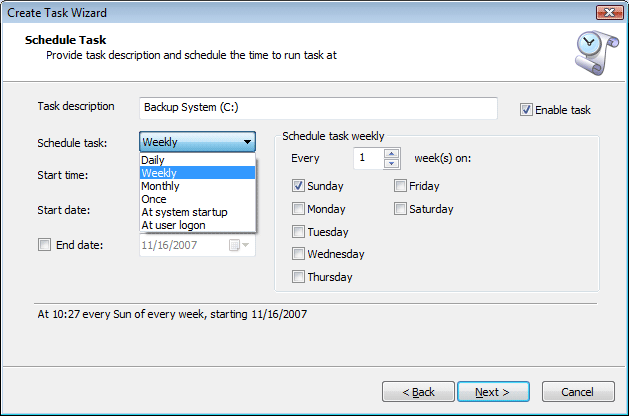
The Schedule Task Wizard allows you to schedule an imaging task for automated backup. Daily, weekly, monthly, and system events scenarios are available.
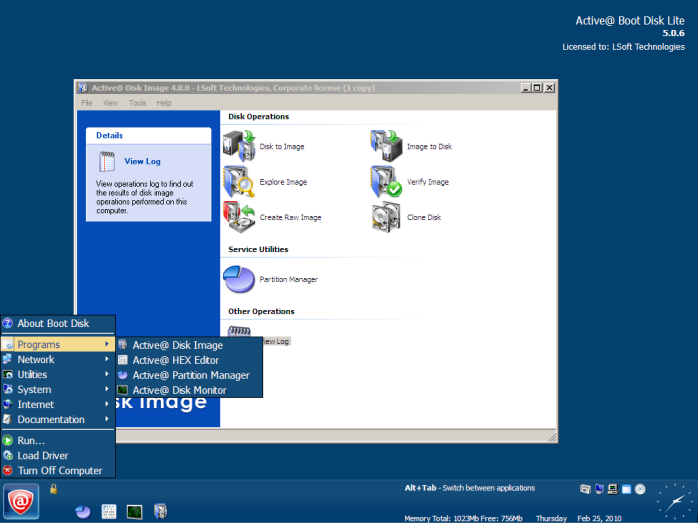
The Bootable Rescue Media screenshot shows the components of Active@ Disk Image used to start an unbootable system to restore a disk image.
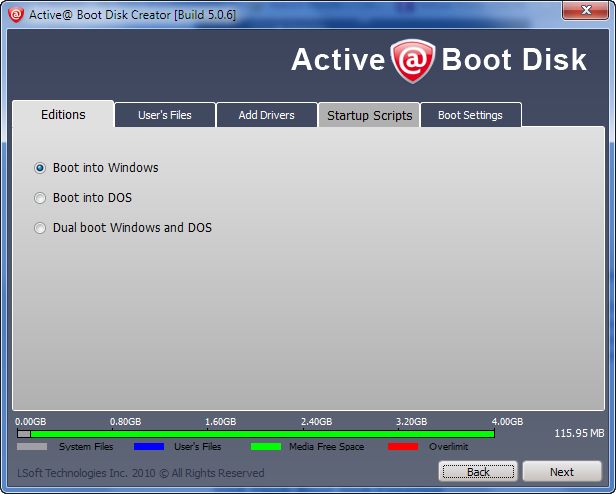
Active@ Boot Disk Creator component allows to create a USB Flash, DVD/CD bootable disk.
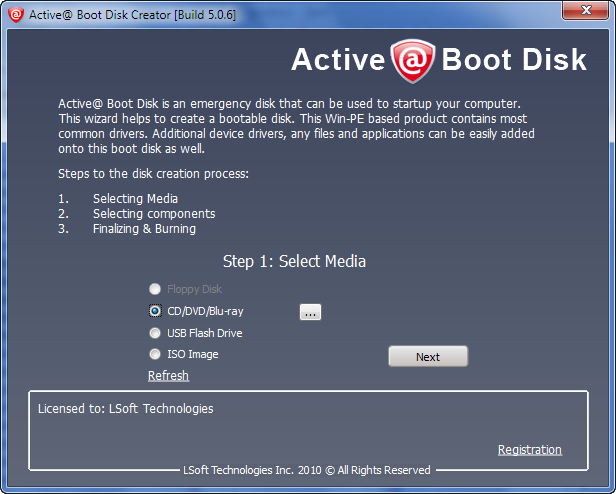
Boot Disk Creator is writing a bootable CD.
Note: Change BIOS settings to boot from CD/DVD. You may need to enter the BIOS settings and change the boot order sequence to boot from CD/DVD before the hard disk

Boot Disk Creator allows you to customize a boot disk by selecting Boot Disk Edition, adding user's files and third-party drivers to the disk or ISO image.
You may also add startup scripts allowing further customization of the Boot Disk environment and select other options like additional language support or time zone.
The meter in the bottom of the screen shows space allocation details.