![]() |
|
|
Changing Program SettingsYou can change the program settings in the Program Settings dialog. To open the Program Settings dialog box:
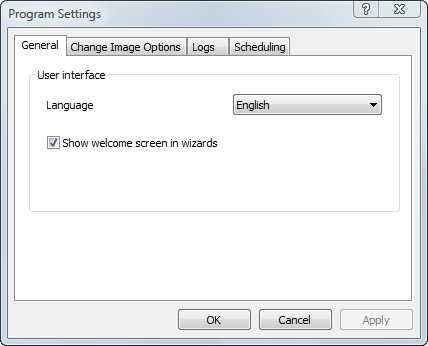
To preserve the changes you made, click OK or the Apply button of the dialog. NoteWhen Active@ Disk Image is running under Windows PE (from a Boot Disk),
setting changes are not retained as they are stored in the System Registry which
is discarded after reboot.
|
![]() Active@ Boot Disk is a bootable Live CD/DVD for system recovery purposes. Active@ File Recovery
recovers data after formatting or loss of partitions. Active@ KillDisk
is a disk eraser software for secure formatting of hard drives. DoD 5220.22-M compatible. Active@ Password Changer
is a DOS-based solution for resetting local user passwords. Active@ Partition Recovery helps to recover deleted partitions and logical disks on hard drives.
|
||||
| Features List|System Requirements|Downloads|Pricing & Licensing|Buy On-line|User Guide |
||||||
Send Feedback | Report an Error Active@ Data Recovery Software 2010 |
||||||