The first thing you need to do is select a backup type from Full, Incremental and Differential.
The full backup is a normal backup containing all data for selected partitions. In most cases this is the type you will choose.
Even if you consider making differential or incremental backups, the first backup you create (it is called a base backup) must be a full backup.
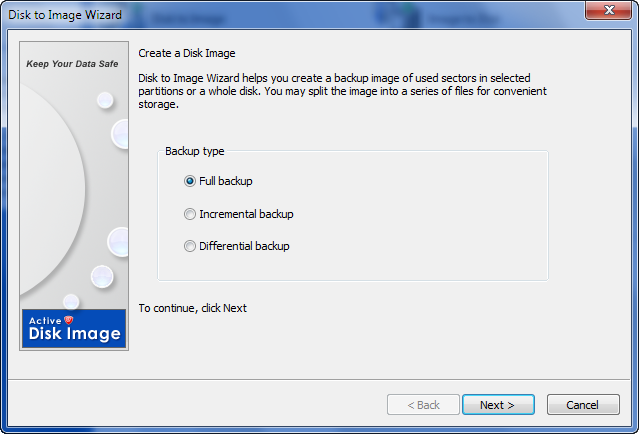
Incremental backup can be based on either full or another incremental backup. It contains only data that has been changed since the base backup was created, thus occupying less disk space and taking less time to create. It is not self sufficient however and requires all previous backup images to get information from it (by restoring an image or exploring it in Disk Image Explorer).
Differential backup is a backup type based on full backup. You cannot create a chain of differential backups - use incremental backup for this purpose. Technically a pair of full and first incremental backups is identical to a pair of full and differential backups. With differential backup you only need two images to restore data — a full backup and a differential made on top of it.

