Indicate the size of the restored partition. You may expand the partition in order to occupy more space than the original, or you may shrink the partition so that it uses less space on the restored partition.
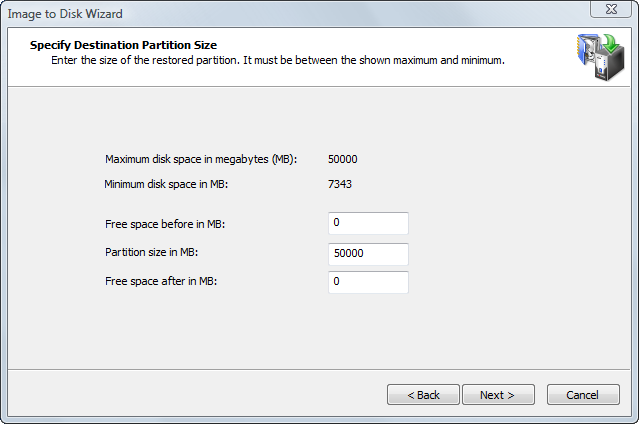
The two calculated values on this page show the minimum and maximum size that the new partition may occupy. The maximum size corresponds to the size of the partition or unallocated space you have chosen as the target. The minimum size is determined by the amount of space used in the disk image of the source partition.
You may change not only the size but also the position of the new partition by providing values for Free space before and Free space after. The sum of all three fields must be equal to the maximum size of the partition. When you change the value in one field, the wizard automatically recalculates the other values. If you enter an invalid value, all values are reset to the defaults.
In a normal situation, you want the new partition to occupy the size of the target partition. If this is the case, do not change anything and click Next. If you want to make the new partition smaller than the existing target partition, change only the Partition size value. Free space is added after the partition.
You may enter only the approximate size of the new partition. The actual number may be slightly larger or smaller due to disk geometry alignments.

